Official Launcher
The Orvian launcher, published on GitHub releases. Download it, sign in, and join. Updates install automatically.

A private Minecraft server for friends. Download the Official Launcher, which updates itself, and join the world.
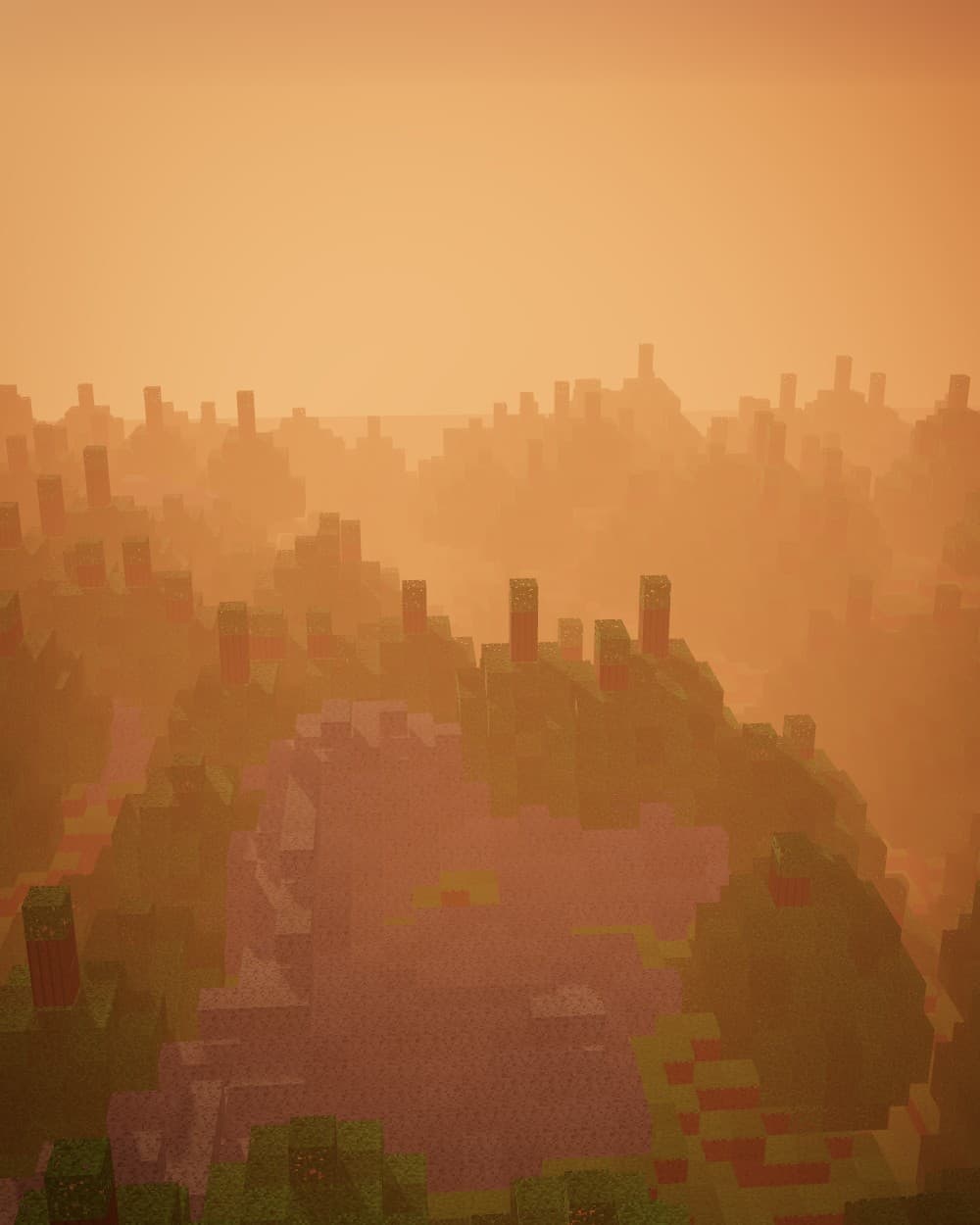
Orvian is not a public network. It has no listing and no open signups. If you are here, a friend let you in.
The Official Launcher is the recommended way to play. It updates itself, so you stay current with the server.
The Orvian launcher, published on GitHub releases. Download it, sign in, and join. Updates install automatically.
Alternative: the Modrinth modpack. It does not update automatically. Only the Official Launcher does.
Install ModpackHow it works
Send an admin your Minecraft username. Only approved names can join.
Download the Official Launcher from GitHub. It keeps itself up to date.
Log in with your Minecraft Java Edition account.
Open Orvian in the launcher and press play.
A server built around a handful of friends, not a crowd.
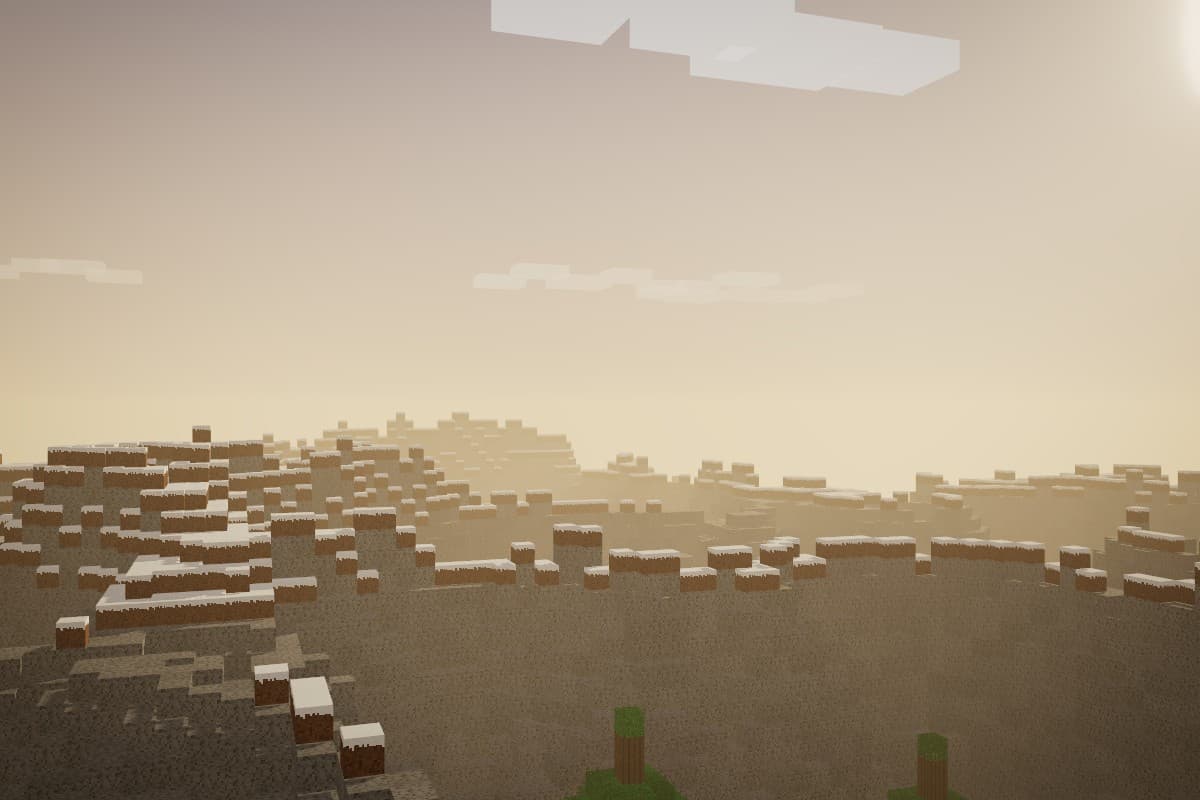
Everyone plays on the same server with the same setup.
Only approved names get in.
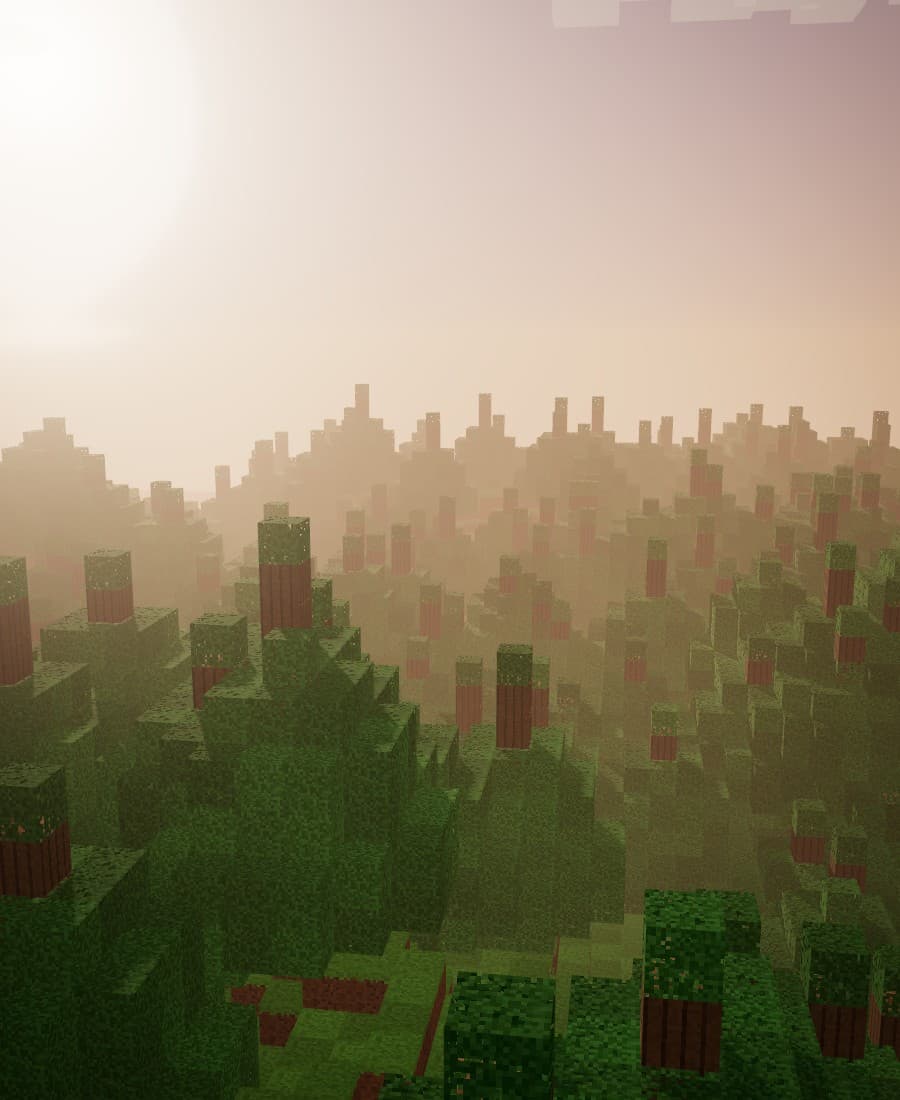
The launcher updates itself, so everyone stays on the same version.
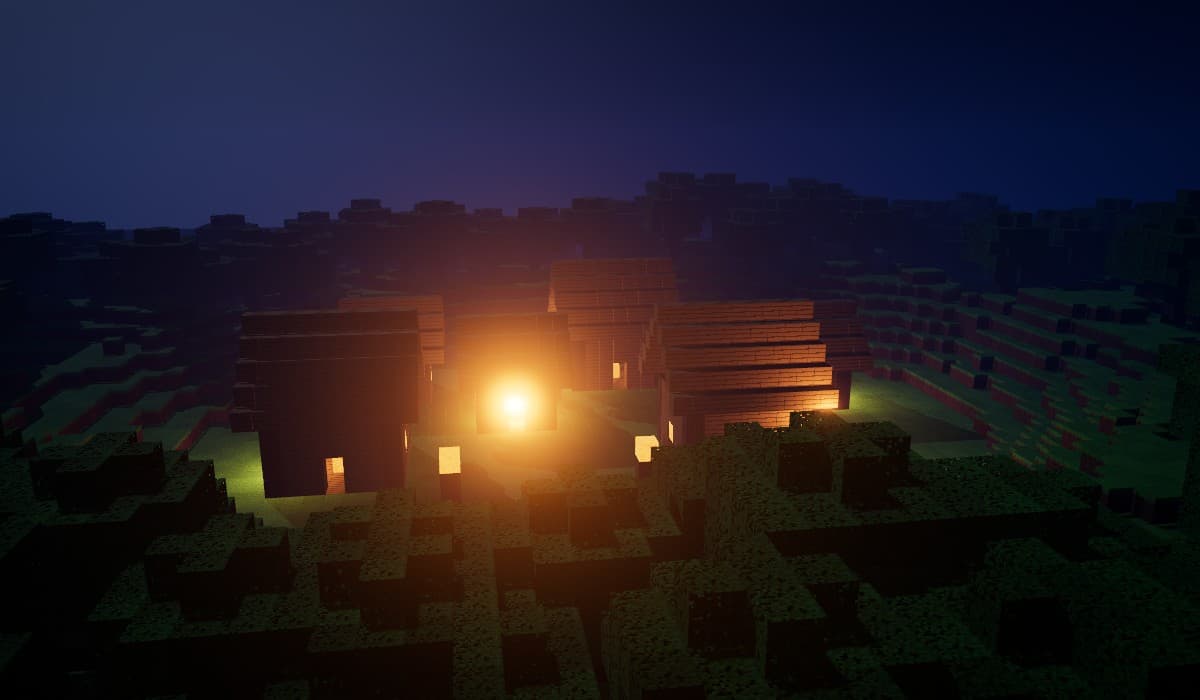
No public server list. Everyone here was invited.
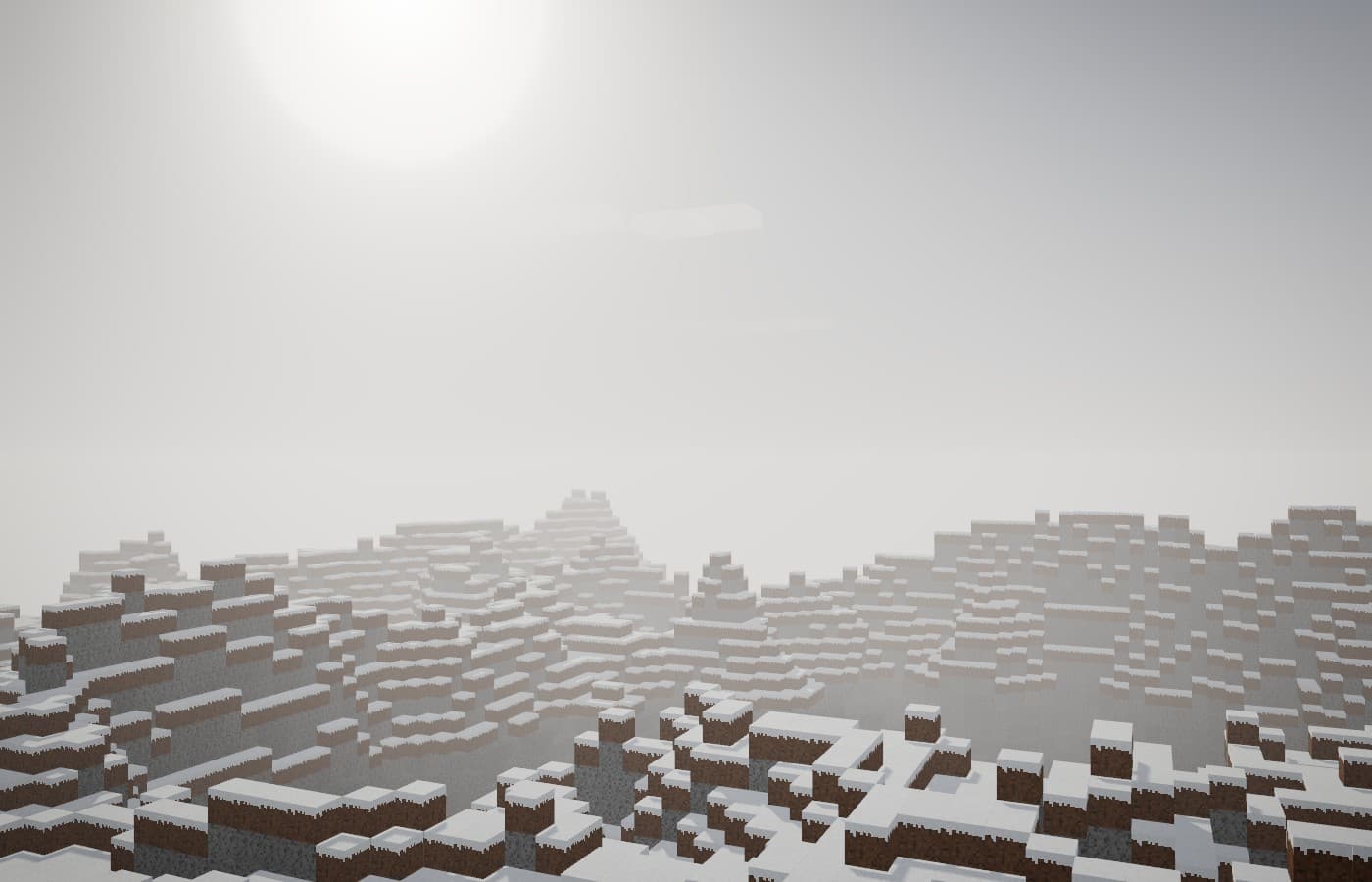
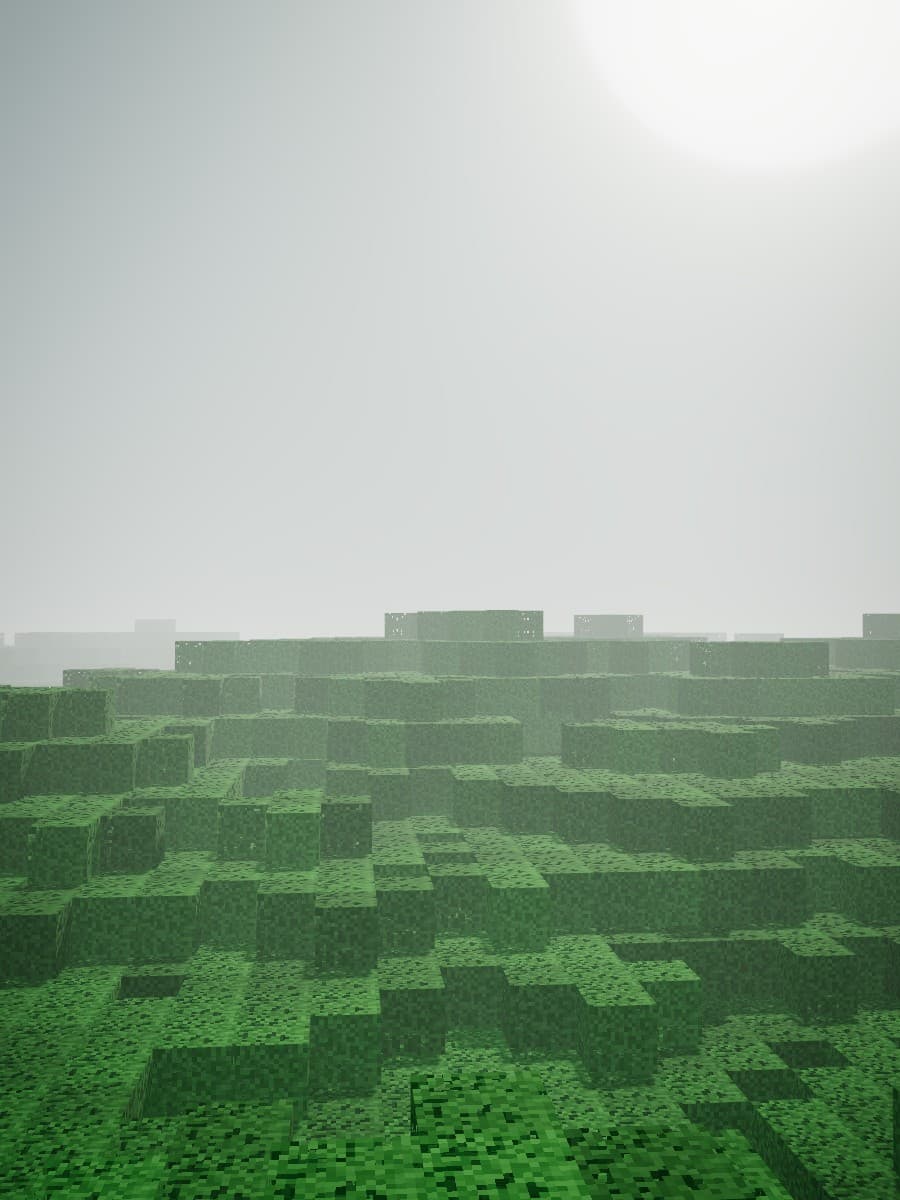
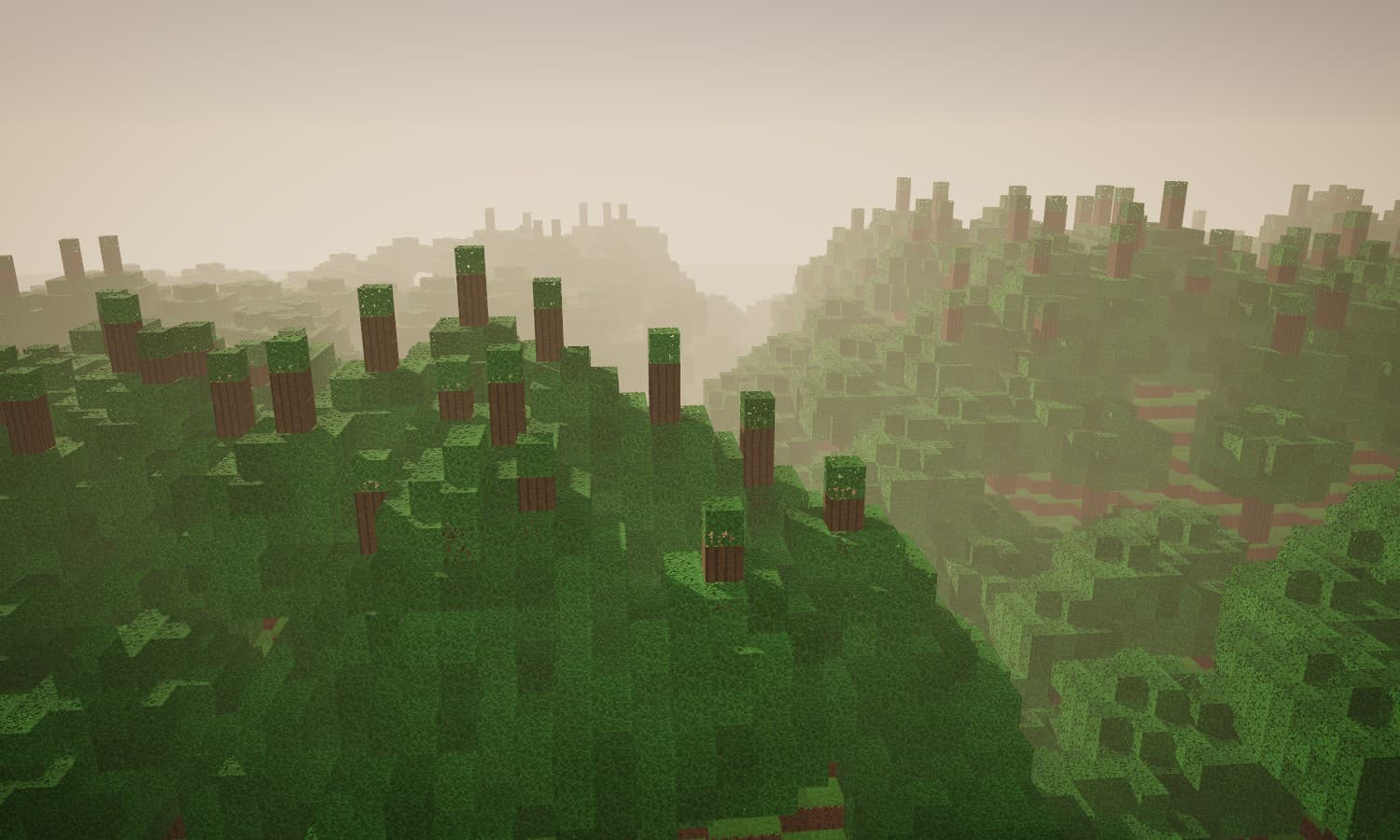
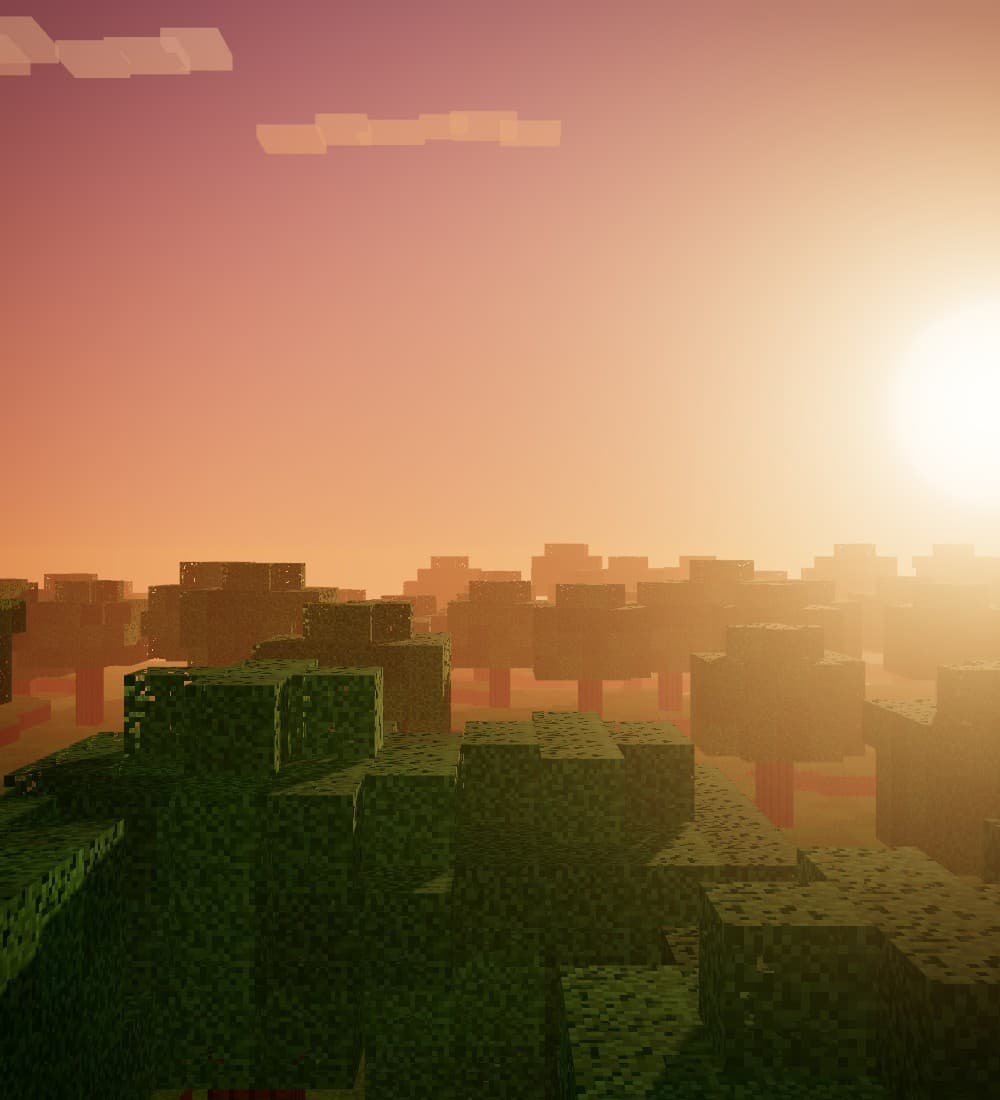
A few places worth finding.
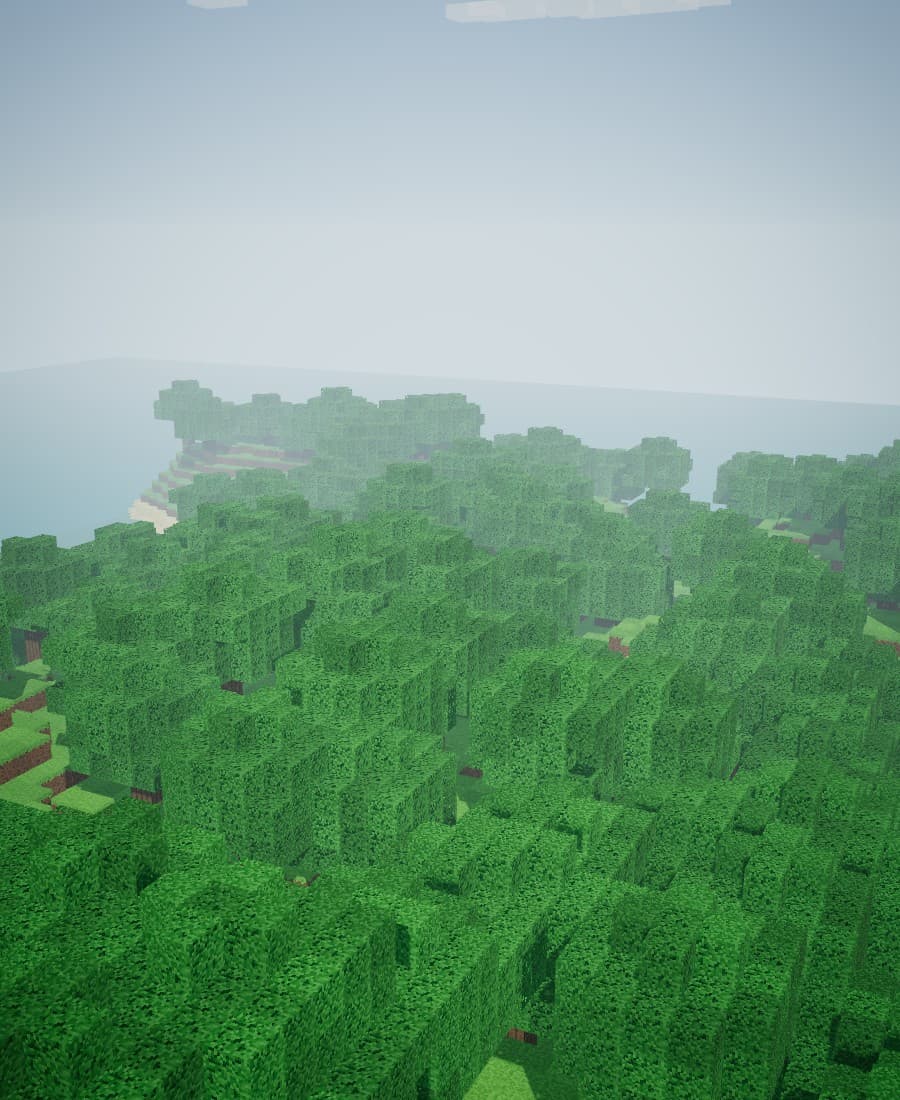
Still stuck? Ask in the group chat.
Only friends who were added to the whitelist. If you are not sure you are on it, ask an admin.
Yes. Orvian runs on Java Edition, so you need a Java Edition account to sign in.
Use the Official Launcher. It is the only option that updates automatically. The Modrinth modpack never updates on its own, so you would have to update it by hand.
Admins share it with friends directly. Orvian is not listed anywhere public.
Check that you are whitelisted and up to date. If you use the modpack, update it by hand. If it still fails, ask in the group chat.